
Skip to content
Core365 Cloud Blog

Core365 Cloud Blog

“PowerShell, Active Directory & IT Automation Simplified”

Sign In
  • Home
  • About Me
  • Join the Facebook group
  • Core365
    • Core365 Cloud Store
  • GitHub
    • AD-Password-Expiry-Reminder
    • GPO-Backup-Automation
    • Enterprise-AD-HealthCheck
    • GPO-Change-Audit
    • AD-Admin-Unlock-Tool
  • Core365 Cloud – Secure Password Generator
  • Newsletter

Category: Windows Server

  • Home
  • Windows Server
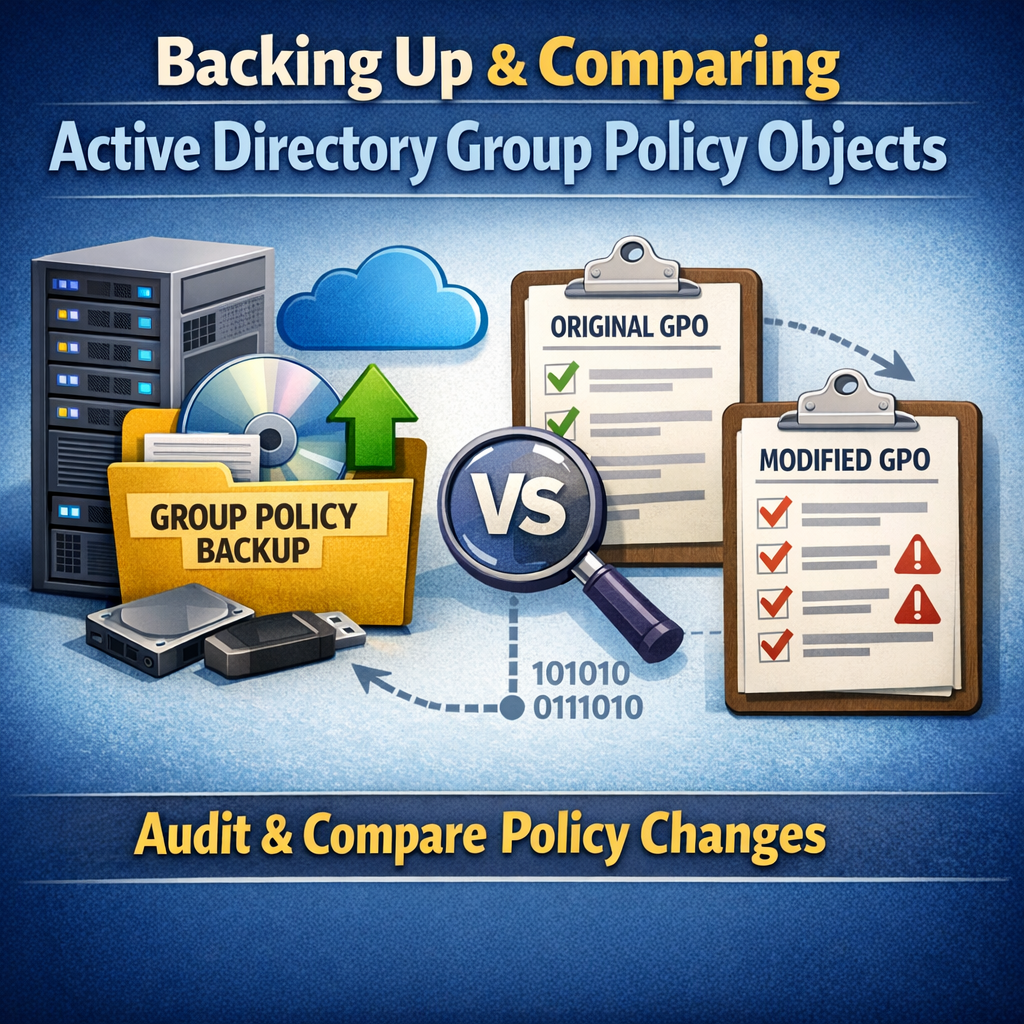
Generating GPO Change Audit Reports Using PowerShell (Part 2)
Active DirectoryAutomationMicrosoftPowerShellSecurity & AuditingWindows ServerWindows Server

Generating GPO Change Audit Reports Using PowerShell (Part 2)

by antoniorennvickMay 4, 2026May 7, 2026

In Part 1, we automated Group Policy Object (GPO) backups using PowerShell and Task Scheduler. Backups alone are valuable—but their real power comes from visibility. Auditors don’t ask if you back up GPOs.They ask: “Show…
Fixing Active Directory Time Drift in Hybrid/Virtualized Environments (The Definitive Troubleshooting & Remediation Guide)
Active DirectoryWindows Server

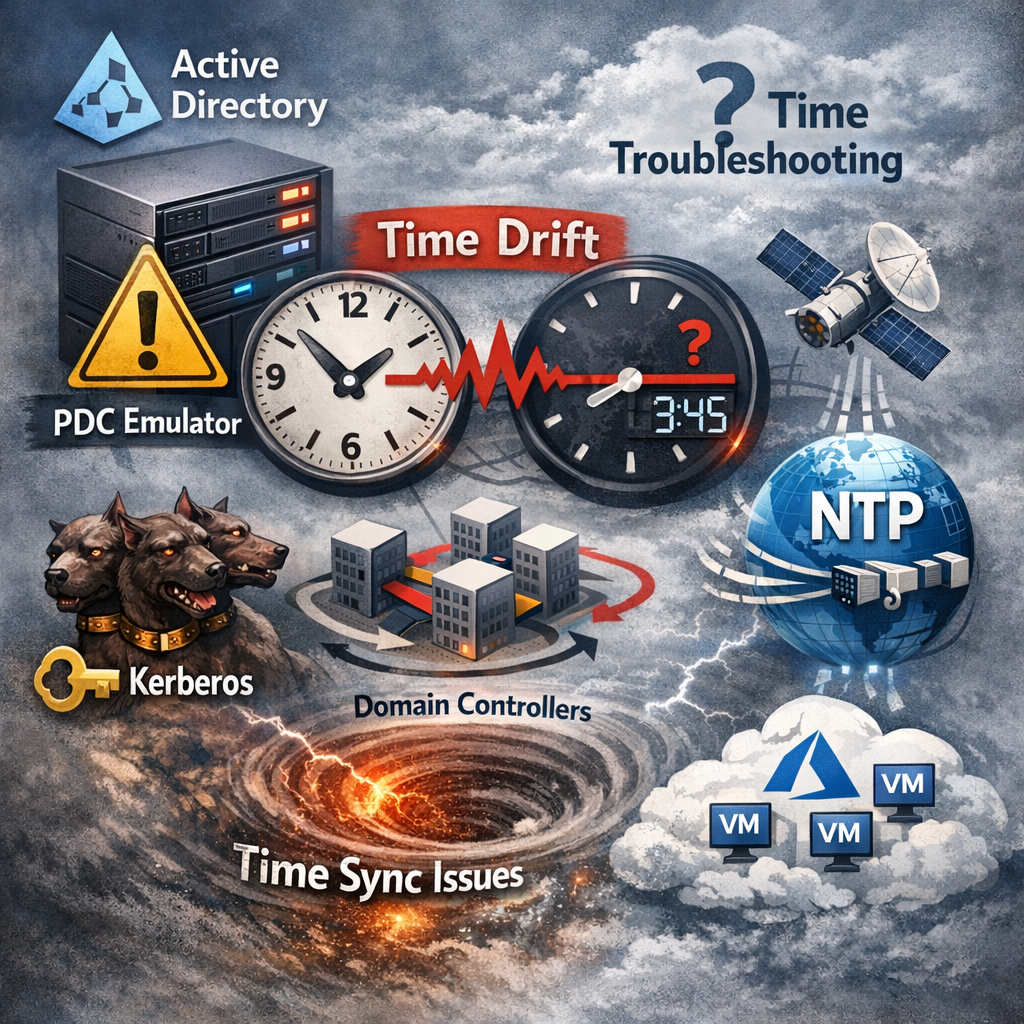
Fixing Active Directory Time Drift in Hybrid/Virtualized Environments (The Definitive Troubleshooting & Remediation Guide)

by antoniorennvickApril 23, 2026May 7, 2026

Estimated read time: 12–15 minutes. Why time drift in AD is a big deal Active Directory authentication depends on correct time. Kerberos has a strict tolerance window; when clocks drift, you get failed logons, random…

Active DirectoryLAPSWindows Server

How to Install and Configure Microsoft LAPS (Local Administrator Password Solution)

by antoniorennvickMarch 10, 2025

 📌 IntroductionMicrosoft Local Administrator Password Solution (LAPS) is a free tool that enhances security by automatically managing local administrator passwords on domain-joined computers. This guide will walk you through the installation and configuration of LAPS…

RADIUSWindows Server

Renewing a certificate in a Windows RADIUS server

by antoniorennvickMarch 6, 2025

 Renewing a certificate in a Windows RADIUS server involves several steps. Here's a step-by-step guide to help you through the process:1. Generate a New Certificate RequestOpen the MMC (Microsoft Management Console):Press Win + R, type…

ADFSTroubleshootingWindows Server

ADFS WAP error – Unable to retrieve proxy configuration data from the Federation Service.

by antoniorennvickMarch 6, 2025

 This error typically occurs when the Web Application Proxy (WAP) is unable to authenticate with the ADFS server. Here are some common causes and troubleshooting steps:Possible Causes:Service Account Password Expiry or MismatchThe WAP server authenticates…

Active DirectoryTroubleshootingWindows Server

The “trust relationship between this workstation and the primary domain failed”

by antoniorennvickMarch 6, 2025

 The "trust relationship between this workstation and the primary domain failed" error typically means that the secure channel between the client (your Windows Server 2008 R2 machine) and the domain controller (DC) is broken. This…

Renew ADFS Certificate
ADFSWindows Server

Renew ADFS Certificate

by antoniorennvickMarch 6, 2025

Renewing an Active Directory Federation Services (ADFS) certificate involves multiple steps, depending on which certificate you are renewing. The impact on users depends on the type of certificate being updated.Types of ADFS CertificatesService Communications Certificate…

How to sync your Active Directory (AD) time with a reliable time source
NTP ServerWindows Server

How to sync your Active Directory (AD) time with a reliable time source

by antoniorennvickMarch 6, 2025

1. Choose a Reliable Time SourceYou can use NTP (Network Time Protocol) servers from a reliable provider such as:Microsoft NTP servers: time.windows.comNIST (U.S. Government): time.nist.govSingapore NTP servers: sg.pool.ntp.org 2. Configure the PDC Emulator to Sync with…

Live traffic
837,469Total visits
Today3,218
7 days50,508
30 days71,112
Powered by core365.cloud

👆 Get this plugin here.

Subscribe to our newsletter!

Recent Posts

  • Stop Repeated Active Directory Lockouts: Find the Caller Computer (Event ID 4740) with a PowerShell HTML + Email Report
  • Azure AD / Microsoft Entra Conditional Access “Bypass” via Phantom Device Registration & PRT Abuse — A Deep Technical Breakdown
  • ConsentFix v3 and OAuth Consent Abuse in Microsoft Entra ID: Deep‑Dive Detection & Hardening for Microsoft 365
  • Active Directory Health Check with PowerShell – Full Forest Report & Interactive HTML Dashboard
  • Sample GPO Monthly Change Audit Report (HTML Output)

Categories

UncategorizedActive DirectoryTroubleshootingMicrosoftWindows 8Windows 11 TipsSecurityWindows 10Windows ServerMicrosoft EntraCybersecurityWindows ServerWindows 11WindowsPowerShellWindows 8.1Identity & Access ManagementWIndows 7Social NetworkMobileMicrosoft 365Tech TipsTechnicalPKI & Certificates

Tags

Zero TrustMicrosoft EntraConditional AccessActive DirectoryPowerShellIT AutomationNTPCertificate-Based AuthenticationMicrosoft GraphMicrosoft Entra IDmicrosoft exchangemicrosoftIntuneAD ReplicationDomain Controller HealthGroup Policy HealthSYSVOLWindows Server 2019DNS for Active DirectoryWindows Server 2022IT AuditsDCDiagWindows AdministrationActive Directory Health Check

👆 Get this plugin here

Recent Comments

  1. Thomas on Stop Repeated Active Directory Lockouts: Find the Caller Computer (Event ID 4740) with a PowerShell HTML + Email Report
  2. How to protect your RDP session with a SSL certificate. – Antonio's Blog on How to purchase a SSL certificate
  3. Eimear Serious on Translate a document or a web site from one language to another language………………
  4. Celena Radick on Counter-Strike: Global Offensive
  5. nataliewhitegame on Counter Strike With Hamachi

Archives

Subscribe to our newsletter!

© 2026 Core365 Cloud. All rights reserved.